


Learn batik the right way, guided from your wrist.
Nyanting combines iPhone, Apple Watch, and on-device AI to guide batik learners through every stroke, and lets teachers know when technique needs attention.
"Belajar mencanting lebih mudah."



Beginners struggle with learning batik without proper guidance and experience .
Technique mistakes go unnoticed
Incorrect canting angles, improper fabric tilt, and unstable hand tremors ruin wax flow without the learner realizing what went wrong.
Confusion between learning and practicing
Switching back and forth between instructions and hot wax makes learners hesitate and slows down their practice.
Teachers can't watch everyone at once
In busy workshops, instructors cannot monitor each learner simultaneously, leaving students practicing bad habits unchecked.
How Nyanting guides your session
From stove setup to your finished wax motif, the system tracks posture, stability, and flow in real time.
Prepare
Set up your electric stove, wax pot, mori fabric, and canting. Place your iPhone on a tripod facing your work area.
Calibrate
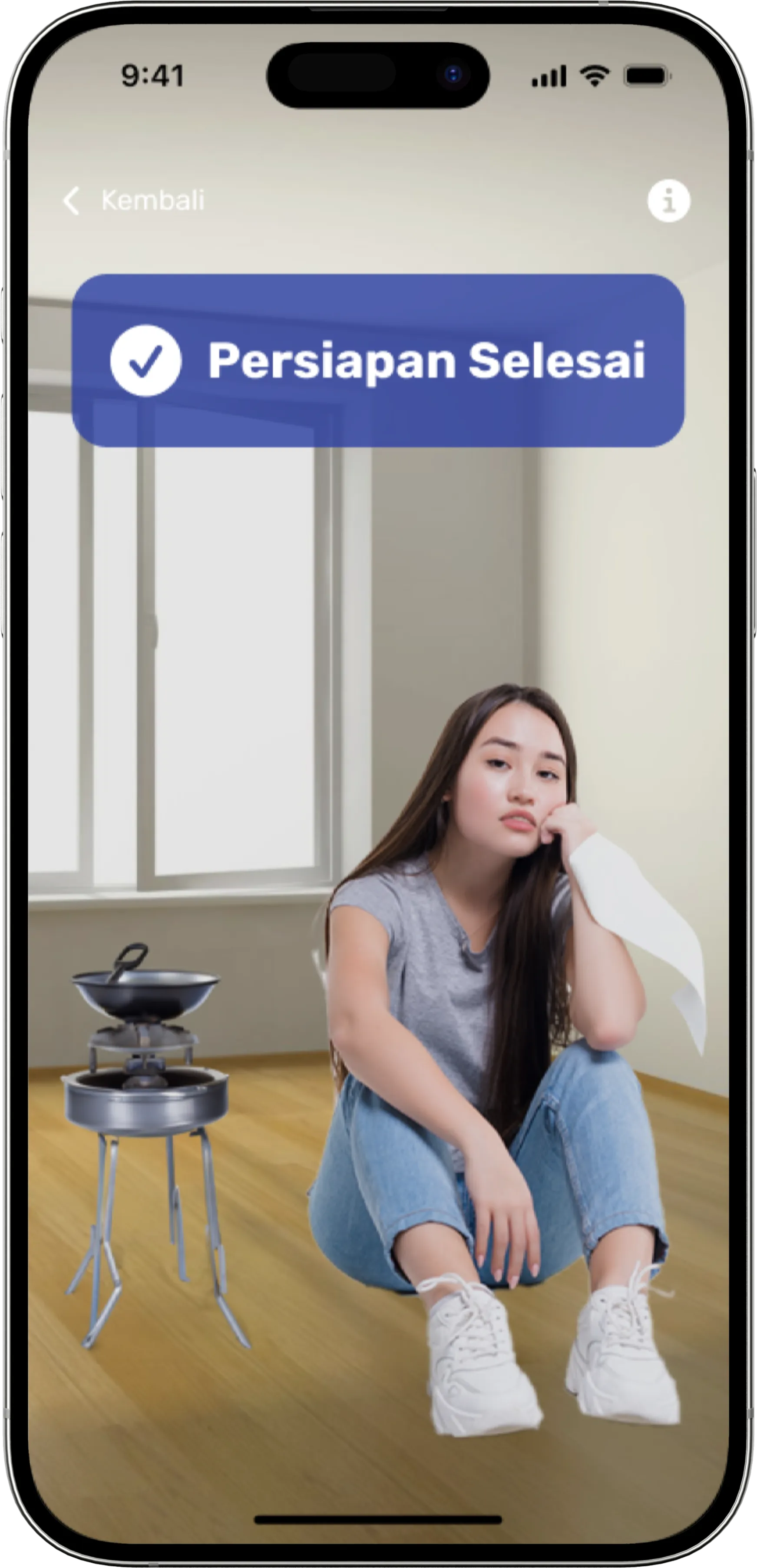
Follow the checklist: wear Apple Watch on your right hand and step into frame until the camera confirms whole-body visibility.
Mencanting Session
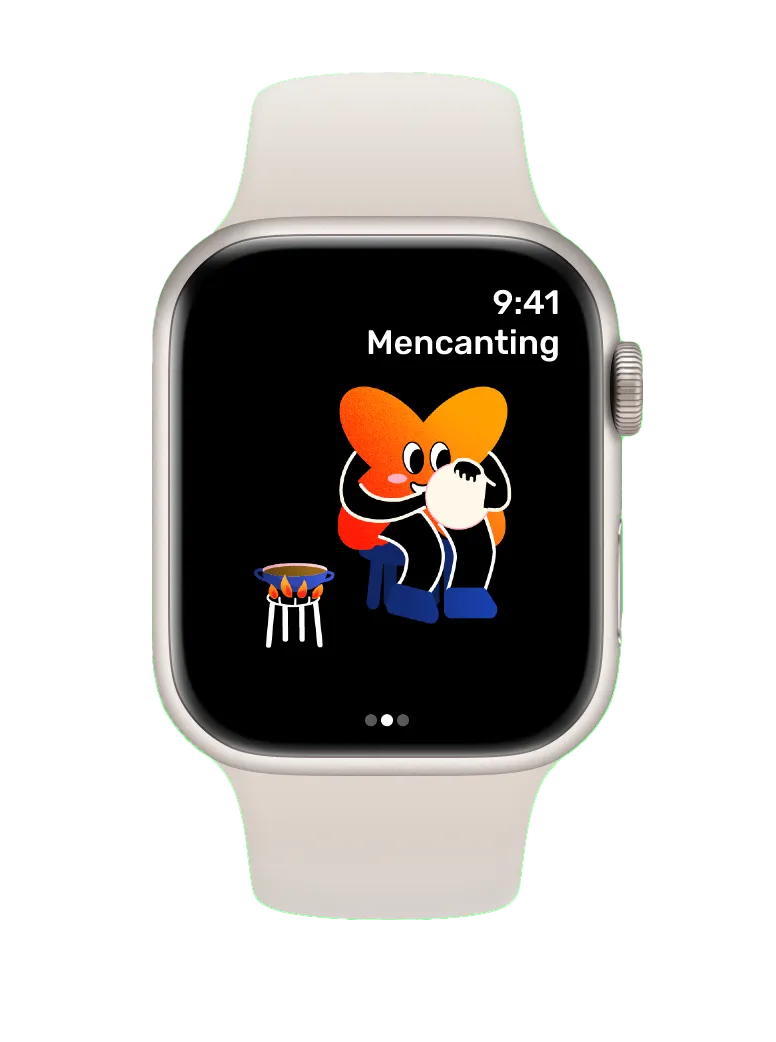
Start drawing wax. iPhone computer vision monitors setup posture, while Apple Watch gyroscopes measure canting angle and tremor.
Real-time Guidance
Receive timely visual and voice cues on iPhone for fabric tilt, draining excess wax, steadying tremors, or refreshing wax.
Control from Wrist
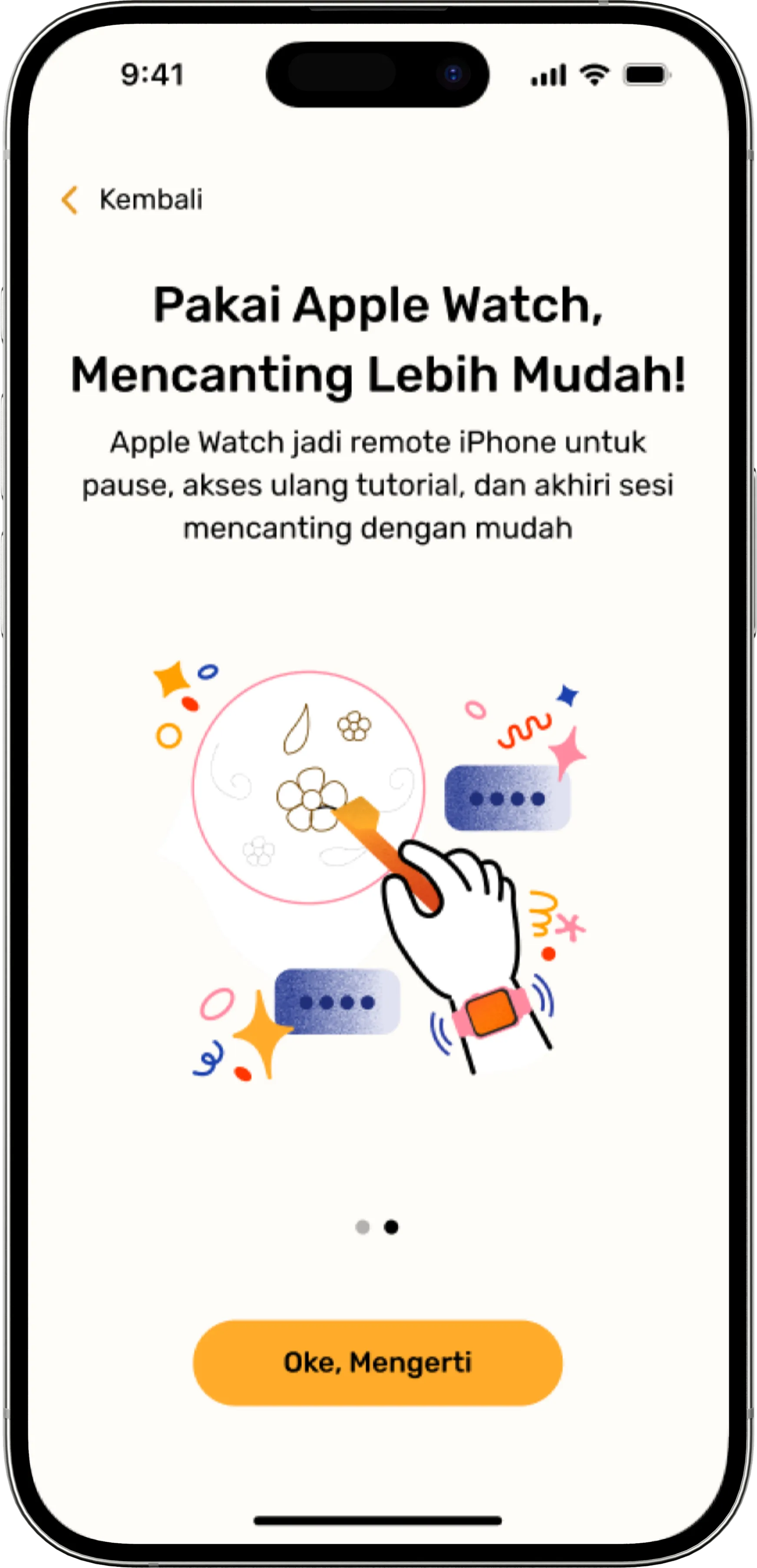
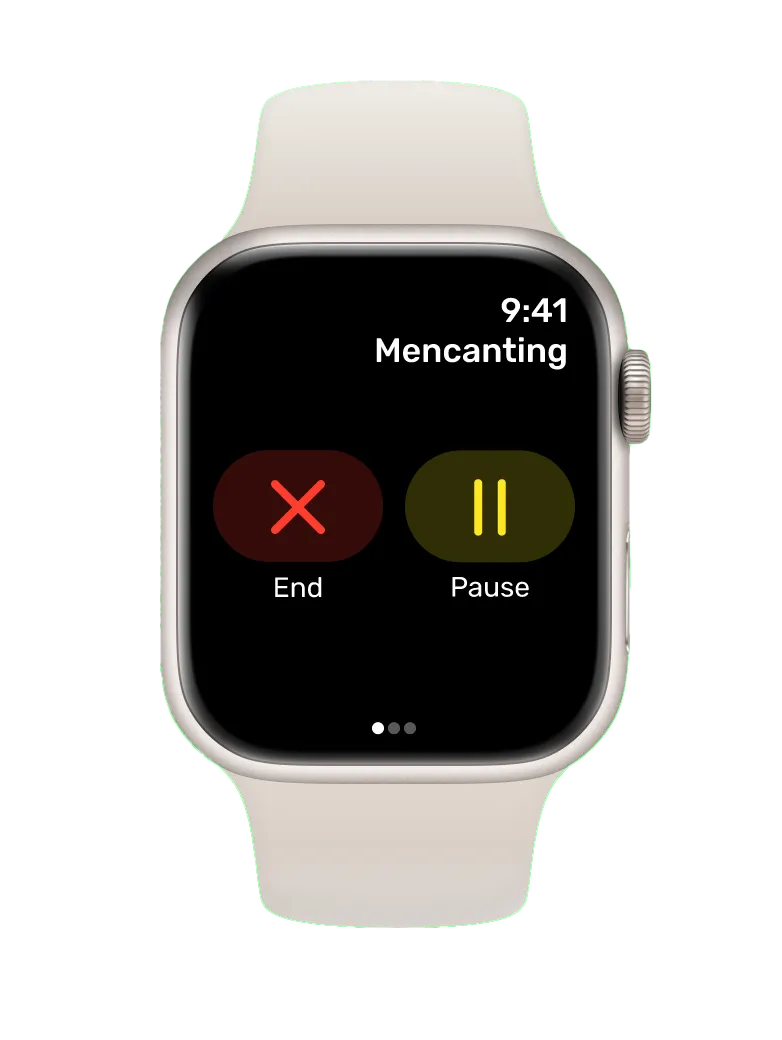
Use Apple Watch as a tactile remote to pause practice, replay video tutorials on iPhone, or confirm session completion.
Review & Repeat
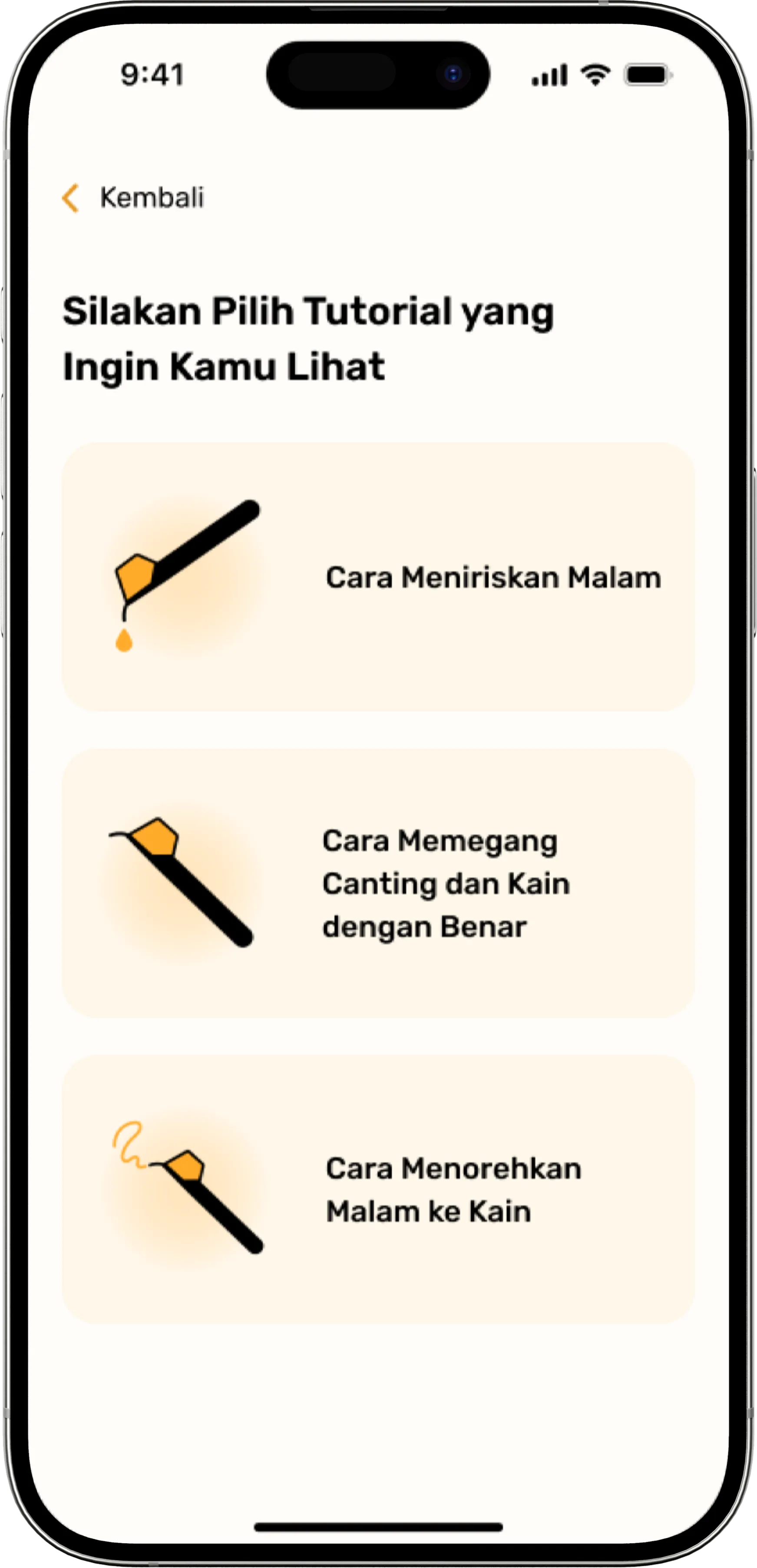
Access step-by-step canting tutorials anytime, refine your muscle memory, and track your progress across sessions.
Designed for authentic batik practice
Every sensor and model serves the traditional craft, reinforcing muscle memory without getting in the way.
AI posture & setup check (iPhone)
The front camera and YOLO-based Core ML model confirm your body posture, electric stove position, and working frame before and during practice.
Angle & stability sensing (Apple Watch)
Worn on the right hand, the Watch measures wrist and canting angle with precision and flags unstable hand tremors in real time.
Real-time alerts & reminders
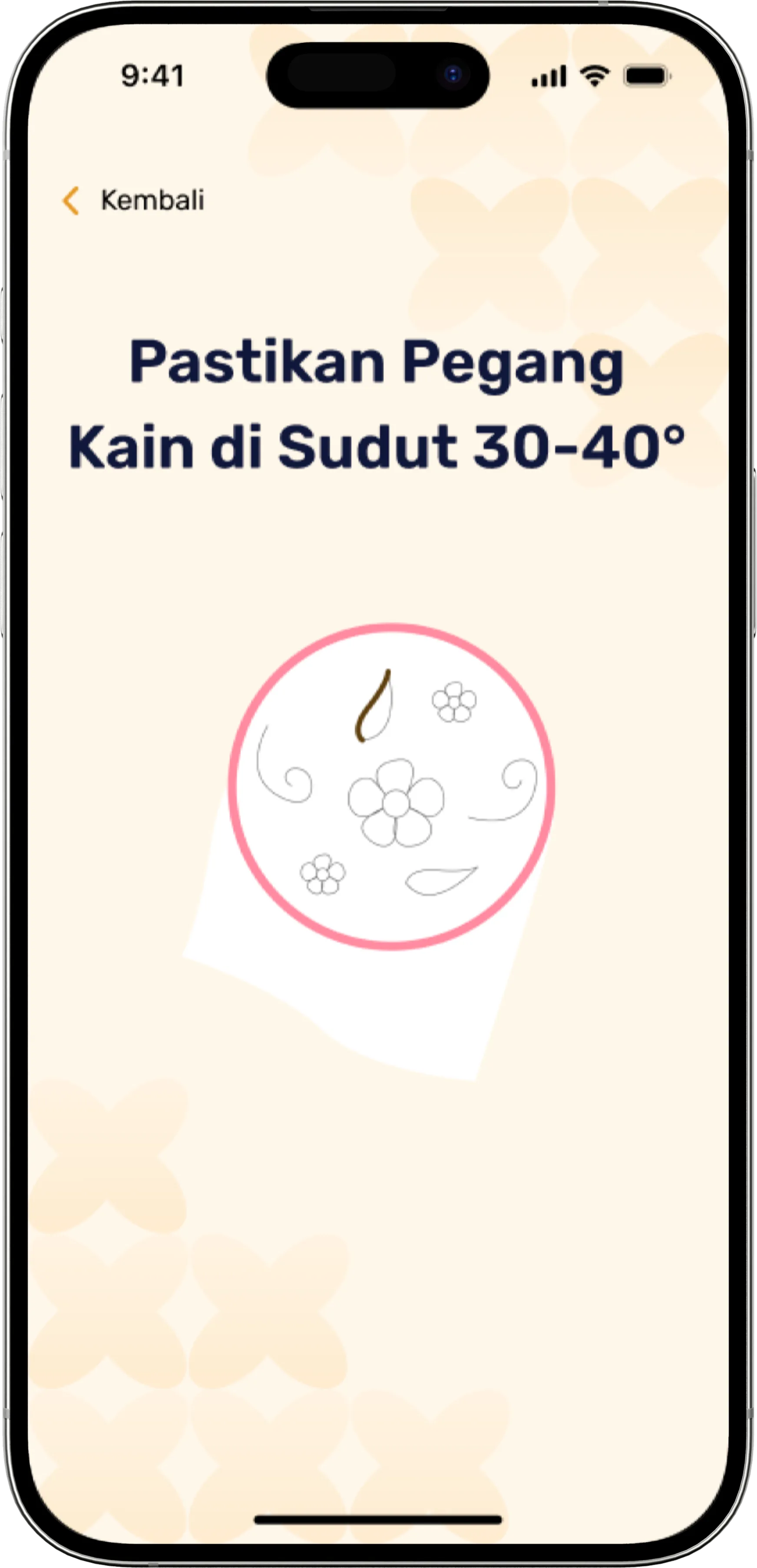
High-contrast visual reminders on iPhone guide you to hold fabric at 30–40°, drain wax before drawing, and pause when hands shake.
Apple Watch as a remote
Keep your hands focused on the work. Pause your session, navigate tutorial videos on iPhone, or end your session right from your wrist.
Teacher assistance alerts
The system flags persistent technique difficulties, notifying batik instructors when a learner needs personal intervention.
Clear visual cues delivered right when technique slips
High-contrast visual banners and gentle voice alerts keep learners focused on fabric rather than device menus.
Fabric Angle (30–40°)
Hold the fabric at a 30–40° angle for controlled wax absorption.
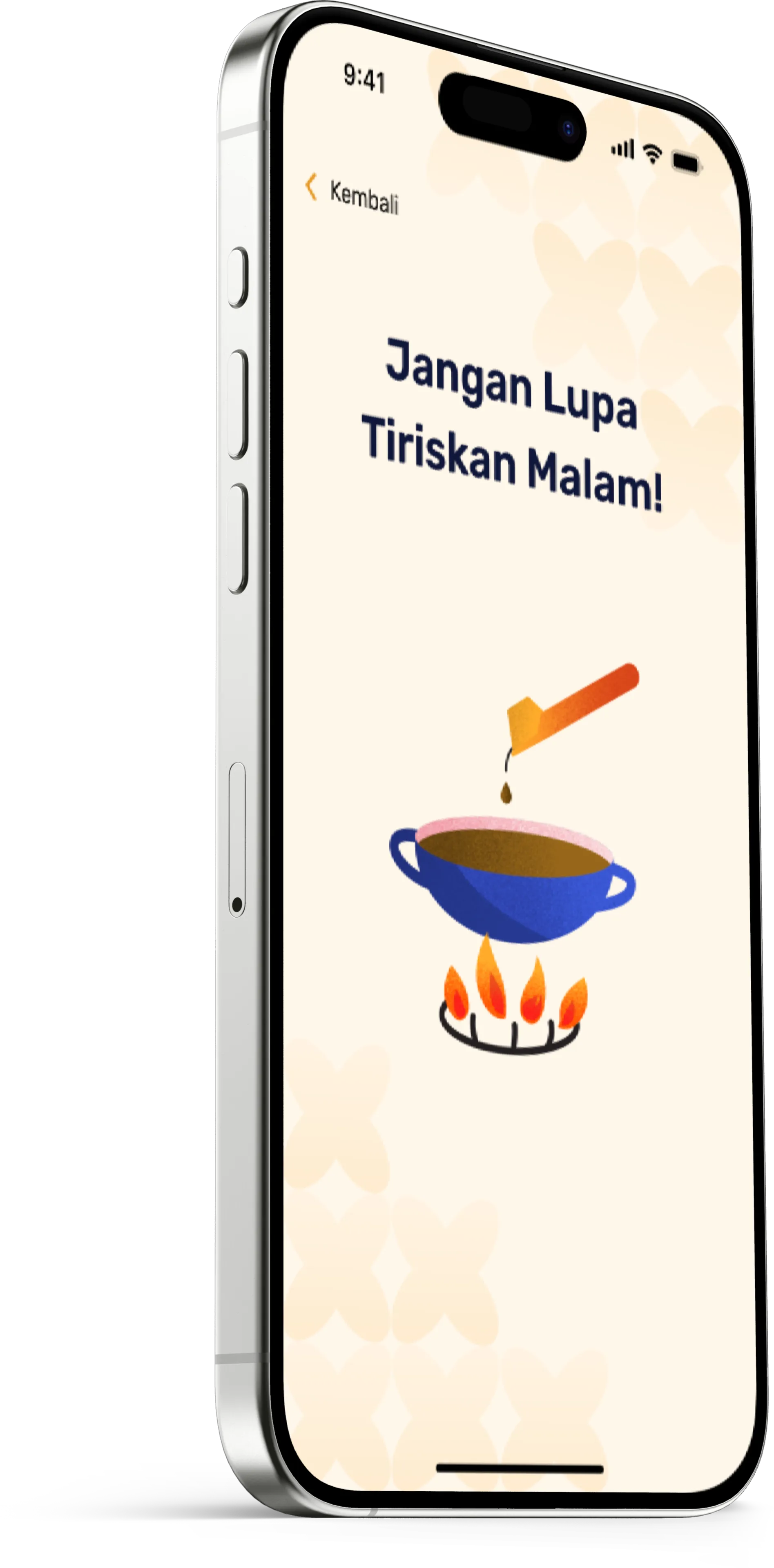
Drain Wax (Tiriskan Malam)
Don’t forget to drain excess wax at the stove before drawing onto fabric.
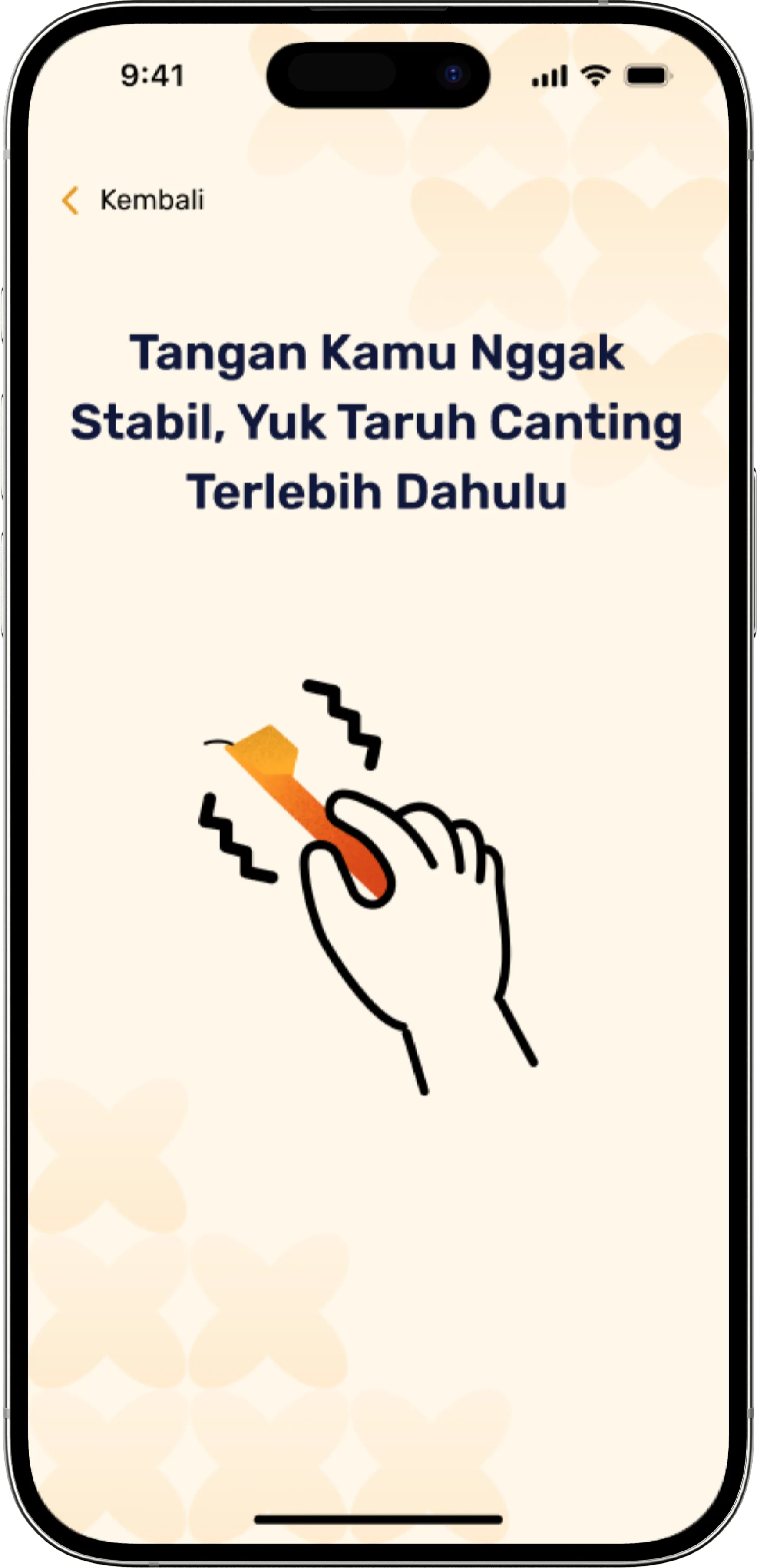
Steady Your Hand
Your hand isn’t stable — put the canting down first and rest briefly.
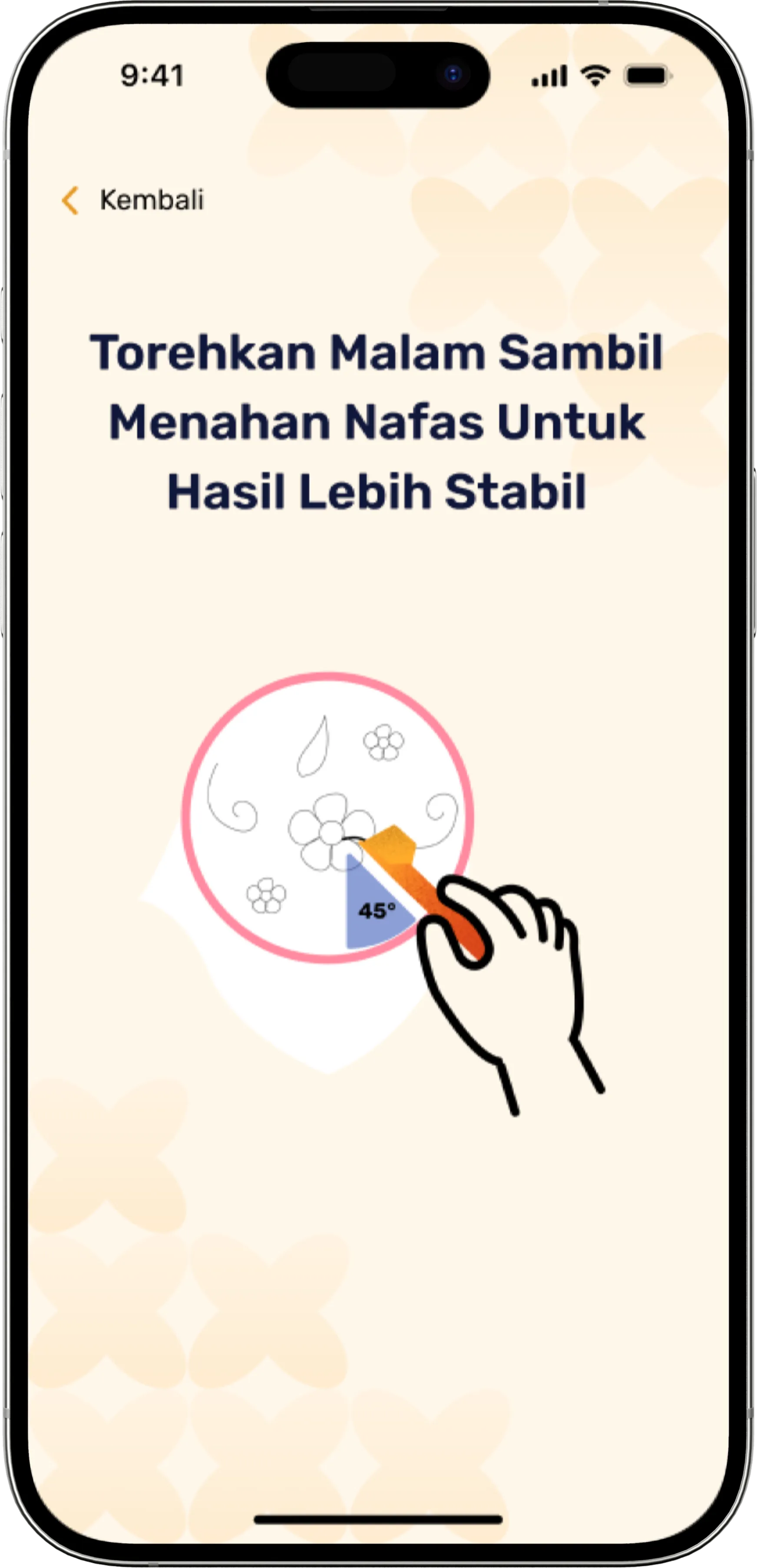
Hold Breath for Precision
Apply wax while holding your breath gently for a steadier stroke line.
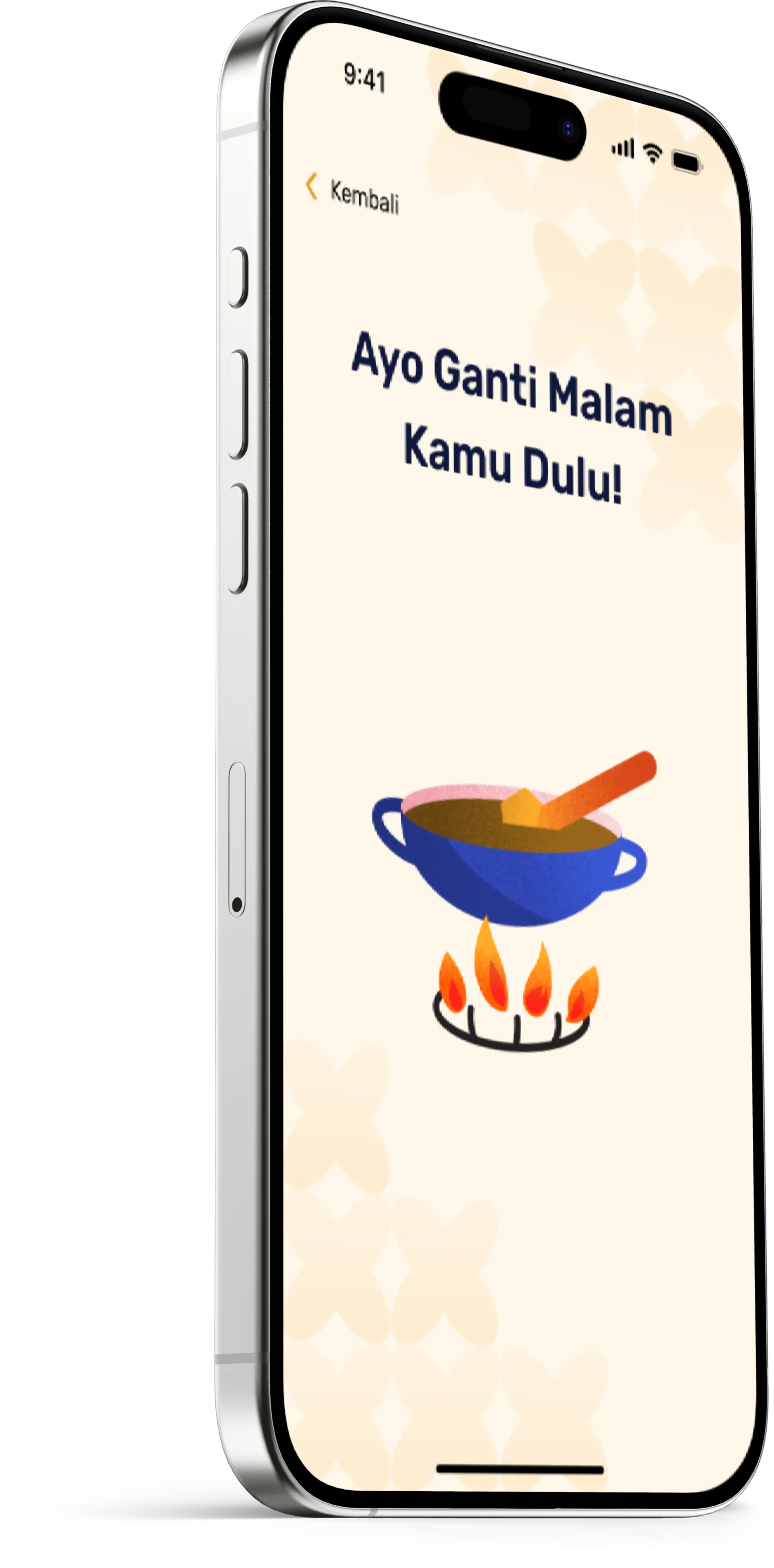
Refresh Wax (Ganti Malam)
Time to refresh your wax from the pot to maintain working temperature.
← Scroll horizontally to inspect alert screens →
Tutorial library available anytime
Reinforce core batik foundations whenever you need a refresher on iPhone or Apple Watch:
How to drain wax (Tiriskan malam) smoothly without dripping
How to hold the canting and fabric correctly with stable posture
How to apply wax to fabric with controlled elbow and wrist angles
Tested by real learners, verified by artisans
We took Nyanting from initial lab prototypes directly into traditional batik studios to observe genuine learning struggles.
User Testing 1.0
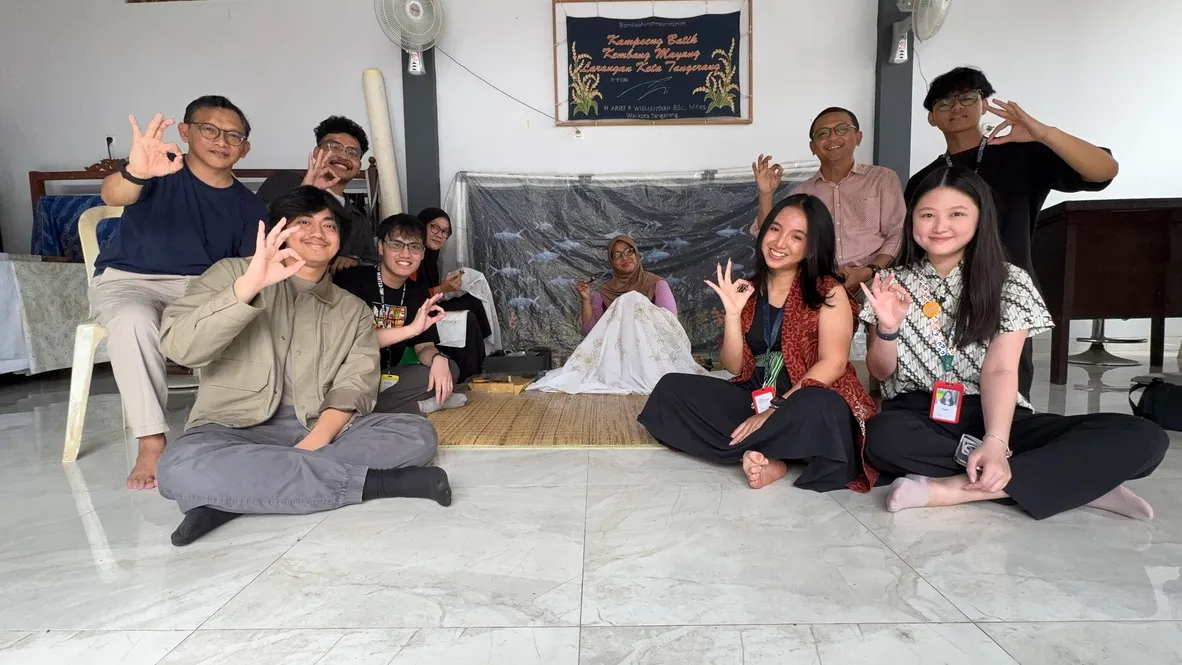
Observed first-time learners handling hot wax tools while interacting with digital interfaces.
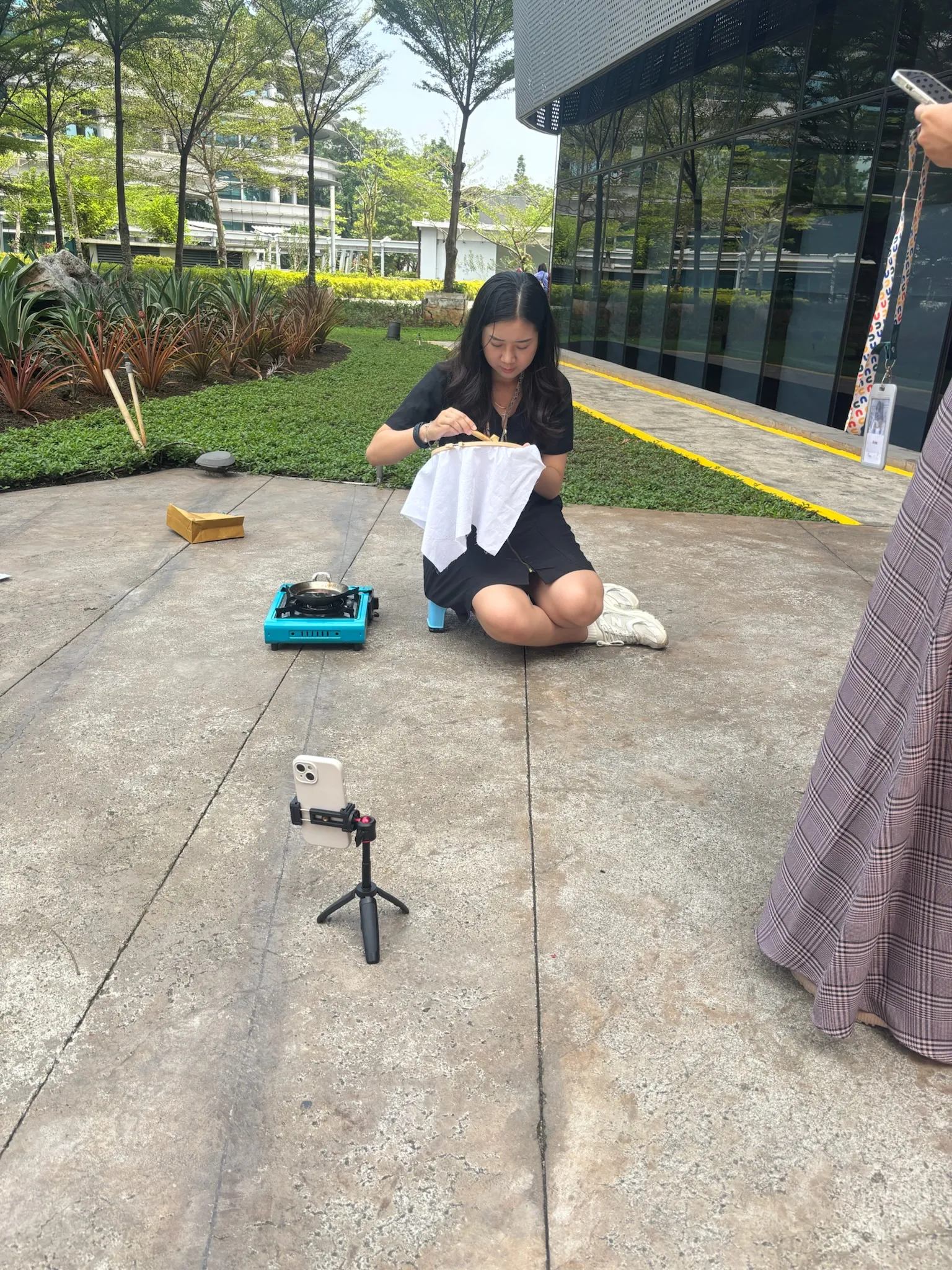
Observed User Friction:
- Wrong hand posture and canting angle leading to unintended wax droplets
- Confusion moving back and forth between iPhone and Apple Watch
- Difficulty operating Watch menus with hot wax canting in hand
- Lengthy 8-step carousel checklist delayed starting practice
What we changed after testing
Based directly on observed testing bottlenecks, we decoupled role responsibilities between iPhone and Apple Watch:
1. Calibration Flow: 8-Step Carousel → Single Scrollable Checklist
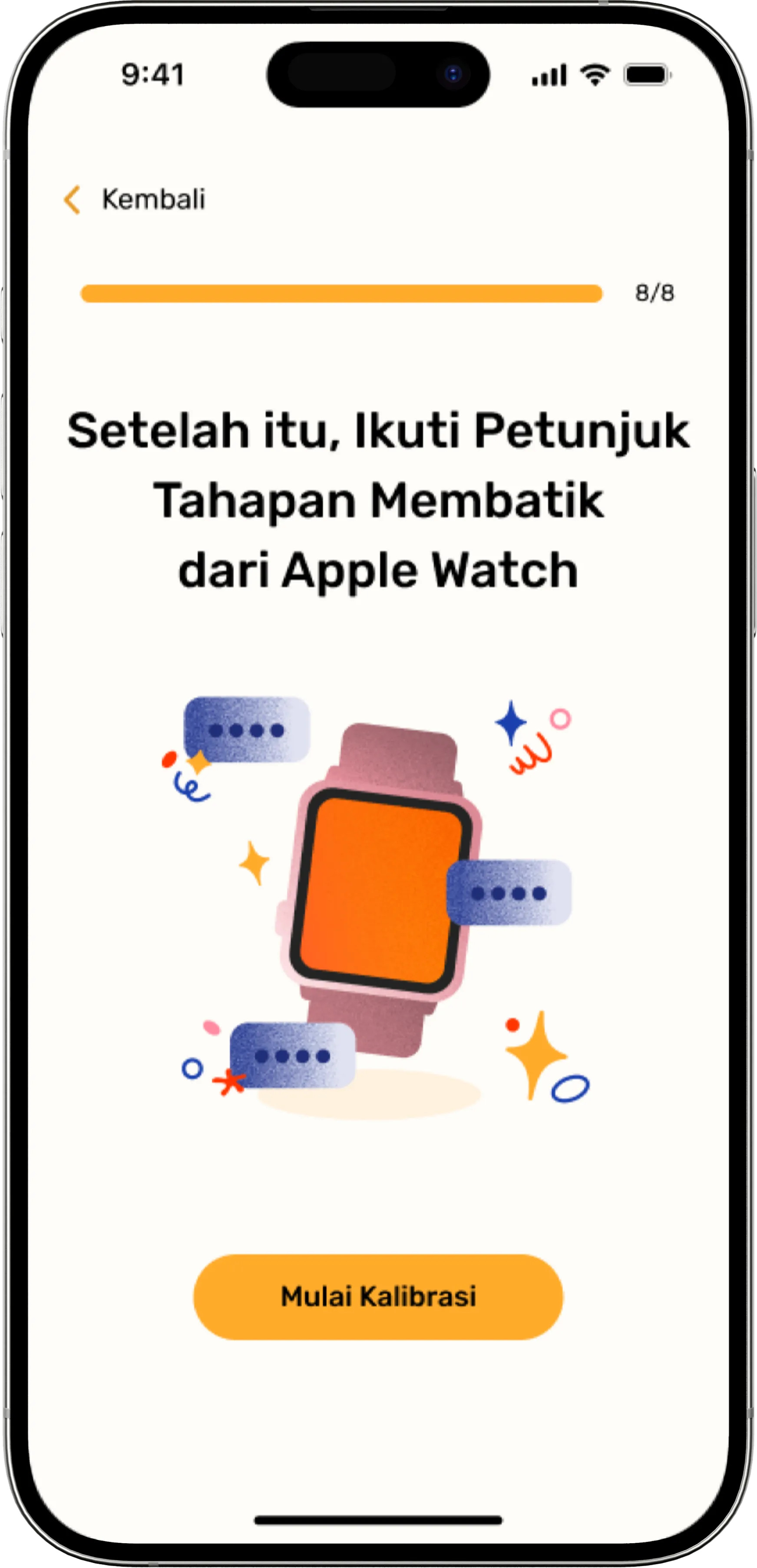
8 tedious swipe screens delayed practice start.
Single screen checklist with instant camera confirmation.
2. Glanceability: Tiny Watch Alerts → Prominent iPhone Banners
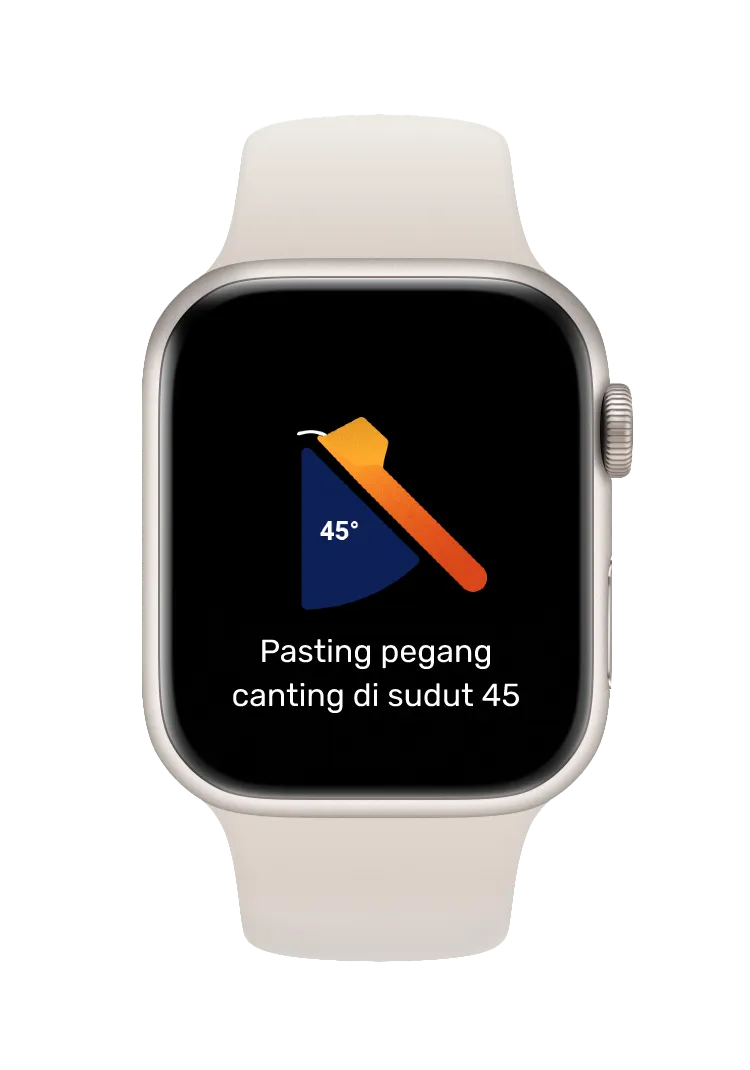
Small watch display required tilting wrist while holding hot wax.
Tripod iPhone displays large glanceable visual banners and voice cues.
Field Testing at Sanggar Batik Kembang Mayang
Evaluated Nyanting directly inside an active traditional batik atelier alongside master batik artisans and apprentices.
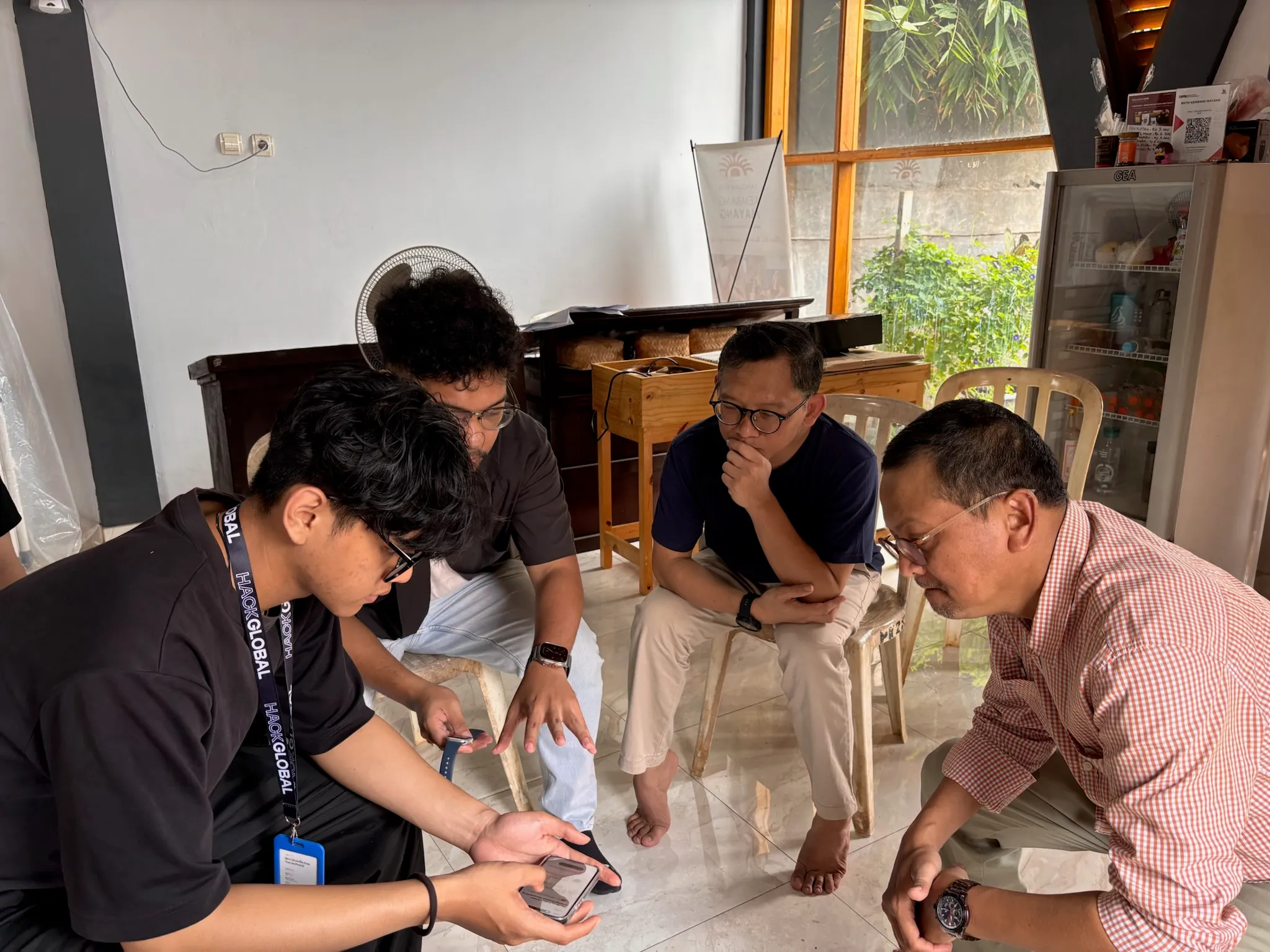
Workshop with Sanggar Batik Kembang Mayang
Hands-on collaborative workshop guiding learners through live canting exercises with real-time digital feedback.
Built natively for Apple devices, with on-device AI
Nyanting runs machine learning inference directly on the iPhone to safeguard learner privacy and ensure zero latency during delicate wax strokes.
iPhone ↔ Apple Watch Bi-directional Architecture
Apple Watch and iPhone maintain real-time bidirectional synchronization through Watch Connectivity. To keep inertial angle tracking continuously active while the learner works, the Apple Watch companion utilizes an active background HealthKit workout session.
Frameworks & Native Technologies
What's next for Nyanting
We are expanding from guided workshop sessions to independent cultural learning and collaborative heritage programs.
Independent Batik Practice at Home
Enabling learners to practice batik on their own, anywhere, with Nyanting serving as a personal, patient guide.
Exhibitions & Cultural Programs
Connecting batik learners and traditional studios with companies and institutions seeking authentic batik exhibitions and interactive workshops.
The creators behind Nyanting
We are Alas Purwo, a multi-disciplinary team from Apple Developer Academy Cohort 2024 (Indonesia), combining software engineering, product design, and deep appreciation for Indonesian craft.

Stefan
Product Manager
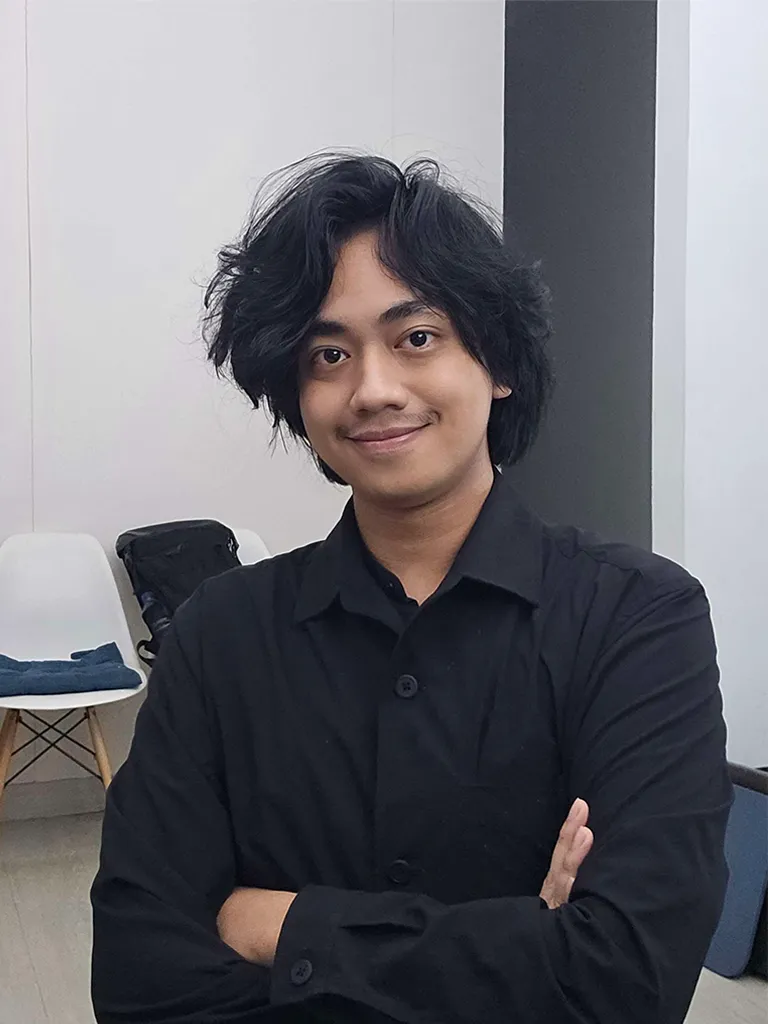
Althaf
Engineer
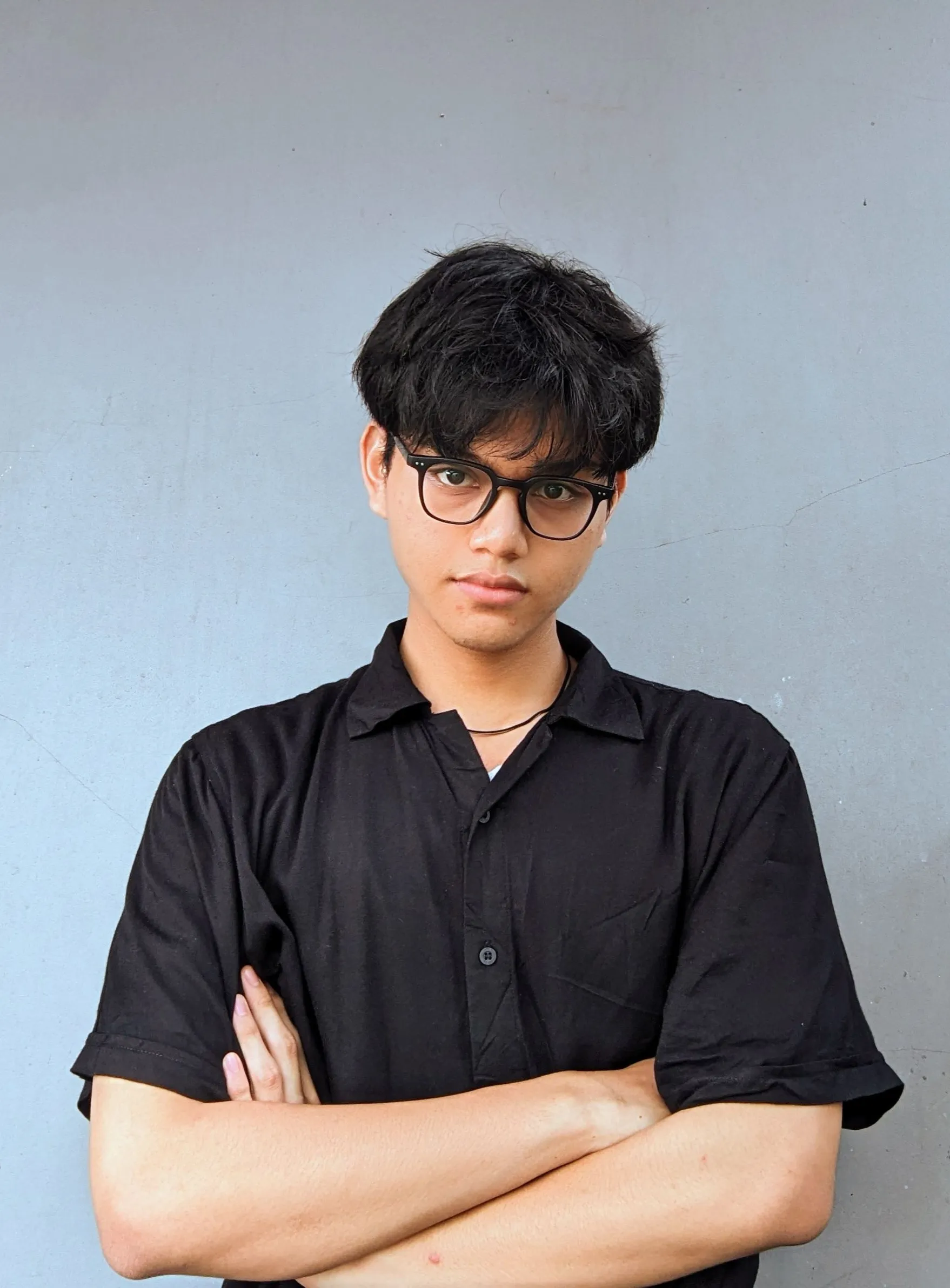
Bernanda
Engineer

Given
Engineer
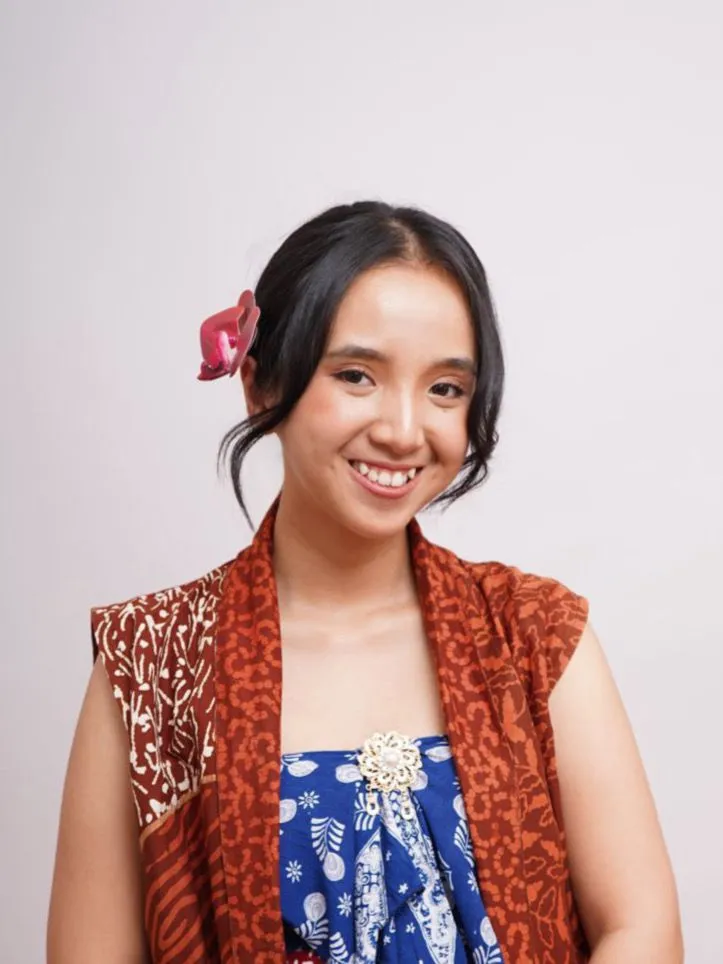
Chiquithita
Designer

Estefania
Designer
Request a Product Demo
Experience how Nyanting pairs iPhone computer vision with Apple Watch wrist sensing to guide authentic batik technique. Fill in your details below to schedule a demonstration with Team Alas Purwo.
Prefer standard email? Write directly to hello@nyanting.biz.id